
Checked against three app databases and both stores · 26 October 2026
WinShark Casino App: What Exists and What Does Not
There is no WinShark casino app. No APK, no App Store or Play Store listing. What WinShark gives you on a phone is the lobby itself, in the browser you already have, saveable to a home screen in forty seconds.
That is the answer, first, because two affiliate pages say otherwise and one even describes a download that does not exist. Came here for a file? Stop looking. Want WinShark on your phone like an app? Read on.
Is There a WinShark Casino App to Download?
No. Three independent app databases have gone looking and come back with nothing: no package on either store, no hosted installer, no signed build under the operator's name.
The one-line version. WinShark has no mobile application. It is an HTML5 site you open in Chrome or Safari, and a home-screen shortcut is the nearest thing to an app this brand will ever have.
"No app" sounds like a shortfall and mostly is not one. The browser build is the product. Portrait layouts, swipe rails, thumb-sized tap targets, games that rotate with the handset — all of it lives in HTML5 now.
Two consequences people underrate. The lobby updates itself: WinShark swaps the seasonal skin and you have it on the next load, nothing queued in a store. And it is the same lobby, not a trimmed one — the full catalogue past 7,000 titles, twelve categories.
Why an APK Claiming to Be WinShark Should Worry You
The logic takes one breath: the operator publishes no package, so any file presenting itself as the WinShark app was built by somebody else, for their own reasons.
A sideloaded gambling APK asks for permissions a website cannot have. Accessibility access reads your screen; overlay permission draws fake windows over real apps, which is how banking credentials get lifted; SMS access catches the codes your bank sends. One tap on Install does it.
So, the rule, once: if WinShark is not loading over https in your browser, it is not WinShark. We will not link a file or name a site that hosts one.
Putting WinShark on an Android Home Screen
Chrome on Android, roughly forty seconds, no store involved:
- Load the WinShark lobby in Chrome itself — not the browser inside Telegram or Instagram, which hide the install option.
- Wait for the page to finish. Chrome offers nothing until the rail and tiles have drawn; it reads the site's manifest first.
- Tap the three-dot menu, top right. On a few Android builds and some Samsung handsets it sits along the bottom edge.
- Choose Add to Home screen, or Install app if that is your label. Same action, different wording.
- Trim the suggested name to something that fits under an icon, then confirm.
You get an icon in the drawer and a launch with no address bar and no tab strip — about an extra row of tiles on a 6-inch phone. Storage cost is a browser cache in single-digit megabytes. Wording varies by Android version and browser: Samsung Internet says "Add page to", so hunt for "home screen" in the menu.
Putting WinShark on an iPhone or iPad Home Screen
Same idea, different plumbing, and one trap that catches a lot of people:
- Open the WinShark lobby in Safari. That is the trap — Chrome on iOS cannot do the rest, and nor can Firefox.
- Tap the Share button, the square with an arrow leaving the top. Bottom centre on a phone, top right on an iPad.
- Scroll the share sheet past the sharing options to Add to Home Screen, down with Bookmark and Find on Page.
- Rename it. iOS suggests the full page title, which truncates to nonsense under an icon.
- Tap Add, top right. The icon lands on the first free slot you have.
Apple hands that feature to Safari alone, so every other iOS browser is a dead end here. The payoff matches Android: full-screen window, no browser furniture. One quirk — a web app launched this way sometimes keeps its own cookie jar, so you may sign in again the first time. Our login page covers that.
Open WinShark on the Phone in Your Hand
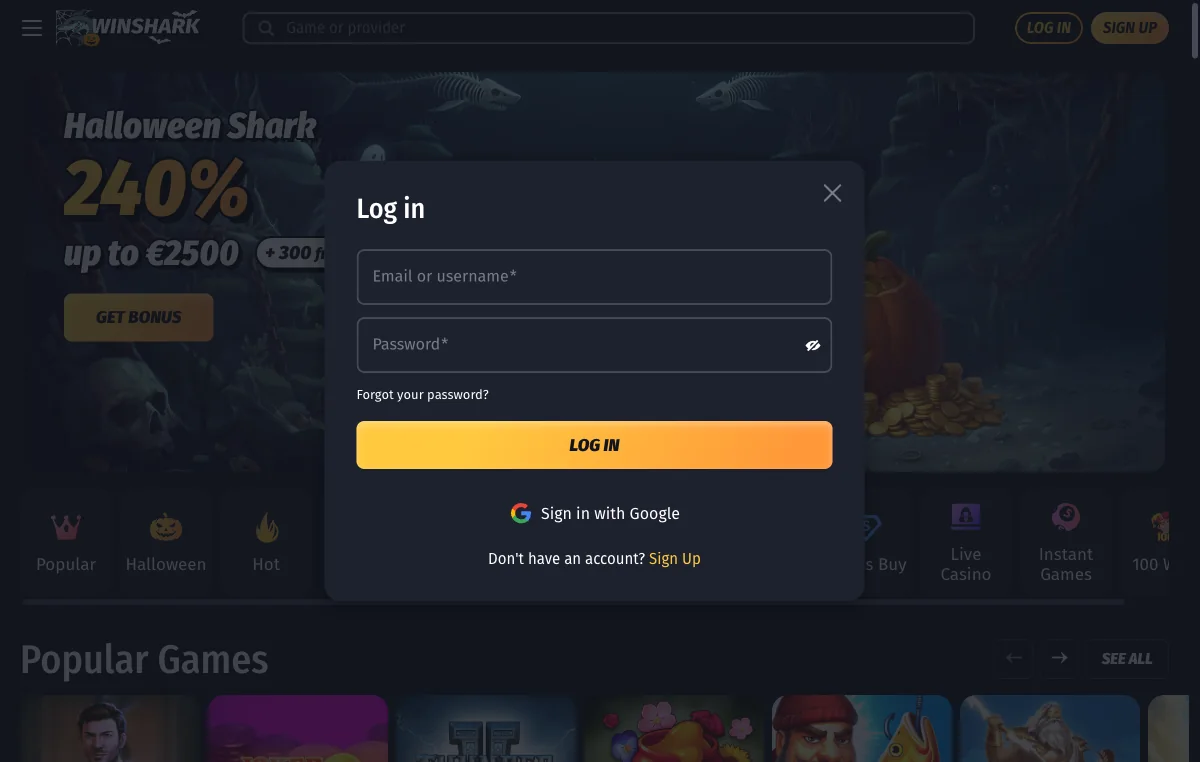
Nothing to install, nothing to update, and the 240% Welcome Pack across your first three deposits. Decide what the session is worth first.
Open your WinShark accountWhat Your Phone Needs to Run WinShark
Honest up front: WinShark publishes no device requirements. No minimum Android version, no browser list, nothing. So the table below is what a modern HTML5 lobby needs in general — a sane expectation, not a specification the operator stands behind.
| What matters | Comfortable | Below that |
|---|---|---|
| Android | Android 9 or newer, updated | 7 and 8 load the lobby, drop frames in new slots |
| iPhone and iPad | iOS or iPadOS 15 or newer | 13 and 14 work; expect odd layout gaps |
| Browser | Chrome, Safari, Samsung Internet, Firefox, Edge | Old Android forks and in-app viewers misbehave |
| Connection | 5 Mbps for slots, 10 and up for live tables | Slots cope; live video stutters or drops the seat |
| Memory | 3 GB fits the lobby plus a game frame | 2 GB reloads the lobby when you close a game |
On an older handset the lobby is rarely the problem. Games are: a 2024 slot ships far more animation than a 2019 one.
WinShark in a Browser Against a Native App, Honestly Compared
The browser is not better at everything; pretending otherwise would be the same dishonesty as inventing an app. Both columns:
| What you gain | What you give up |
|---|---|
| Nothing to install, no package of unknown origin | No store review, no publisher check, no refund channel |
| Updates arrive on your next page load | No push alerts for tournaments, spins or cashback |
| No storage footprint beyond a cache | Nothing works offline, not even the lobby shell |
| Nothing to uninstall — delete the icon | No biometric unlock, no app-level screen lock |
| Fake-app risk drops to zero | Lose signal mid-round and a browser copes less gracefully |
Losing push notifications is the real cost, to my mind, and for a gambling site I am relaxed about that. Deposit limits you set are account-side either way — tighten them from the responsible gambling page.
The WinShark Lobby on a Small Screen
Three things change when the viewport narrows. The category rail stops being decoration and becomes your main way around: Popular, Hot, New Games, Slots, Jackpot, Bonus Buy, Live Casino, Instant Games and the rest collapse into one strip you swipe. The search box carries far more weight than on a desktop — with a catalogue past 7,000 titles, thumbing a two-column grid is a hobby, not navigation. And tiles reflow from four across to two.
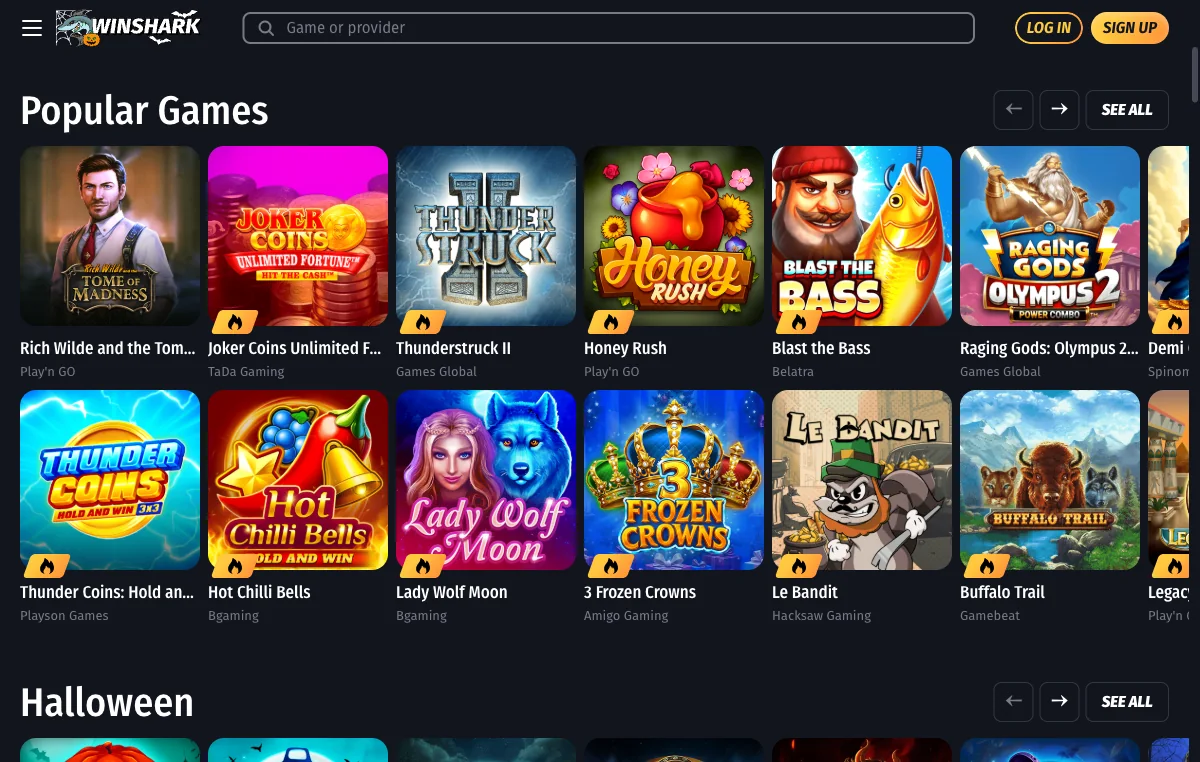
Real titles from WinShark's own Popular row, so you know what the grid is showing you:
No cover art here, by choice — names and credits only. What is on the shelves, including five famous studios that are not, sits on our games page.
Crash Games and the WinShark Aviator App Question
People search for a WinShark Aviator app by name, so let us answer it: no such thing exists. No separate application for crash games, none for live tables, none for slots. One lobby carries all of it.
On whether the game is there, I will stay inside what we saw. Spribe, the studio that makes Aviator, is on WinShark's provider strip, and the lobby has an Instant Games category — precisely the shelf the title would sit on. We did not open it, so we are not claiming WinShark has Aviator.
Now the part that bites harder on a phone, because a crash round lasts four seconds and a thumb moves fast. Under WinShark's bonus terms, instant games contribute only 10% toward wagering, and the category is blocked while a bonus is active apart from a named eligible list. Crash and a live bonus do not mix on a phone any more than on a desktop. Clear the wagering first, or play crash on cash. Rules in full on our bonus page.
Banking on a Phone at WinShark Casino
Short section, because the detail belongs elsewhere. Interac sits on the payment strip in WinShark's own public footer, beside Bank Transfer, Zimpler, MiFinity, A1 Magenta and crypto, and we screenshotted it. An e-Transfer is arguably easier from a phone than a laptop, since your banking app is two taps away. We could not see the signed-in cashier, so we will not describe screens we never opened. Minimums, timings and limits live on our payouts page.
When WinShark Will Not Load on Your Phone
Start with the content blocker. A blocker that strips scripts is the commonest reason a single-page lobby draws half of itself and stops, and ruling it out takes ten seconds.
| What you see | What to do |
|---|---|
| Blank page, or a header with nothing under it | Switch off the content blocker or DNS filter for the site, reload |
| A bot check that keeps coming back | Drop the VPN, allow cookies, stop reloading mid-check; reloads restart it |
| A game opens, then freezes while loading | Close the frame, return to the lobby, reopen it — games fail separately |
| The home-screen icon opens the wrong page | Delete it, load the page you want, add it again from there |
| No sound in a game | Silent switch first, then the slider inside the game frame |
| Session drops when the screen locks | Expected — phones suspend tabs. Finish the round, never idle a live table |
If none of that helps, try a second browser before blaming WinShark. A lobby that loads in Firefox but not Chrome is a browser problem; failing in both is worth a 24/7 live-chat message.
WinShark Casino App Questions
Nothing. WinShark is a website, so the browser on your phone is the whole requirement. Three independent databases hunted for a package and found none, in either store or as a download. You open the lobby and you are in.
Somebody else built it. The operator ships no package, so any file carrying the name was uploaded by a third party with their own reasons. Maybe a browser wrapper. Maybe worse. Nobody at WinShark signed it, and we will not say where it lives.
Visually, yes: it launches without the address bar or tab strip, which buys you a couple of hundred extra pixels of lobby. Underneath it is the same page, the same connection, the same engine. Nothing downloads, nothing updates separately, nothing extra can break.
It leans on the same cookie storage your browser already uses, so whatever WinShark does with a session it does identically through the icon. How long one lasts there, we cannot tell you, because we never opened an account. Expect occasional password prompts.
Apple reserves that feature for Safari. Chrome, Firefox and Edge on iOS all ride Apple's engine but cannot write a web app to the home screen. Open the lobby in Safari, use its Share button, and the option appears. Android is the reverse.
No, and no separate app for anything else at WinShark either. Crash games run in the same browser lobby as the slots. Spribe, the studio behind Aviator, does sit on WinShark's provider strip, where the title would live, but we did not confirm it.
Only what your browser caches: a few megabytes of images and scripts rather than a resident application. Clearing browser data empties it. Deleting the home-screen icon takes one tap and removes nothing else. That is the quiet upside of a site over a package.
The Interac mark sits on WinShark's own public footer strip, so the method is offered. An e-Transfer is arguably easier from a phone, with your banking app on the same screen. We could not see the signed-in cashier, so timings live on our payouts page.
No. Same catalogue past 7,000 titles, same twelve categories, with tiles reflowing into two columns and the rail becoming a swipe. What changes is that scrolling stops being a sensible way to find anything. Learn the search box and the category labels instead.
Close the game frame, return to the lobby, open it again. A game window is a separate iframe from a separate studio, and on a phone it fails more often than the lobby around it. If the second attempt is black too, switch titles.
They attach to the account, not the device, so in principle yes. What the device never changes is the rulebook: 45× wagering, a C$7 ceiling on your bet while a bonus is live, and a 48-hour activation window. A small screen softens none of that.
One last thing: nothing here asks you to download anything, and if a page tells you otherwise about WinShark, close it.